Help center
Short guides to setting up and running your event with Wanrak.
Start here
All articles
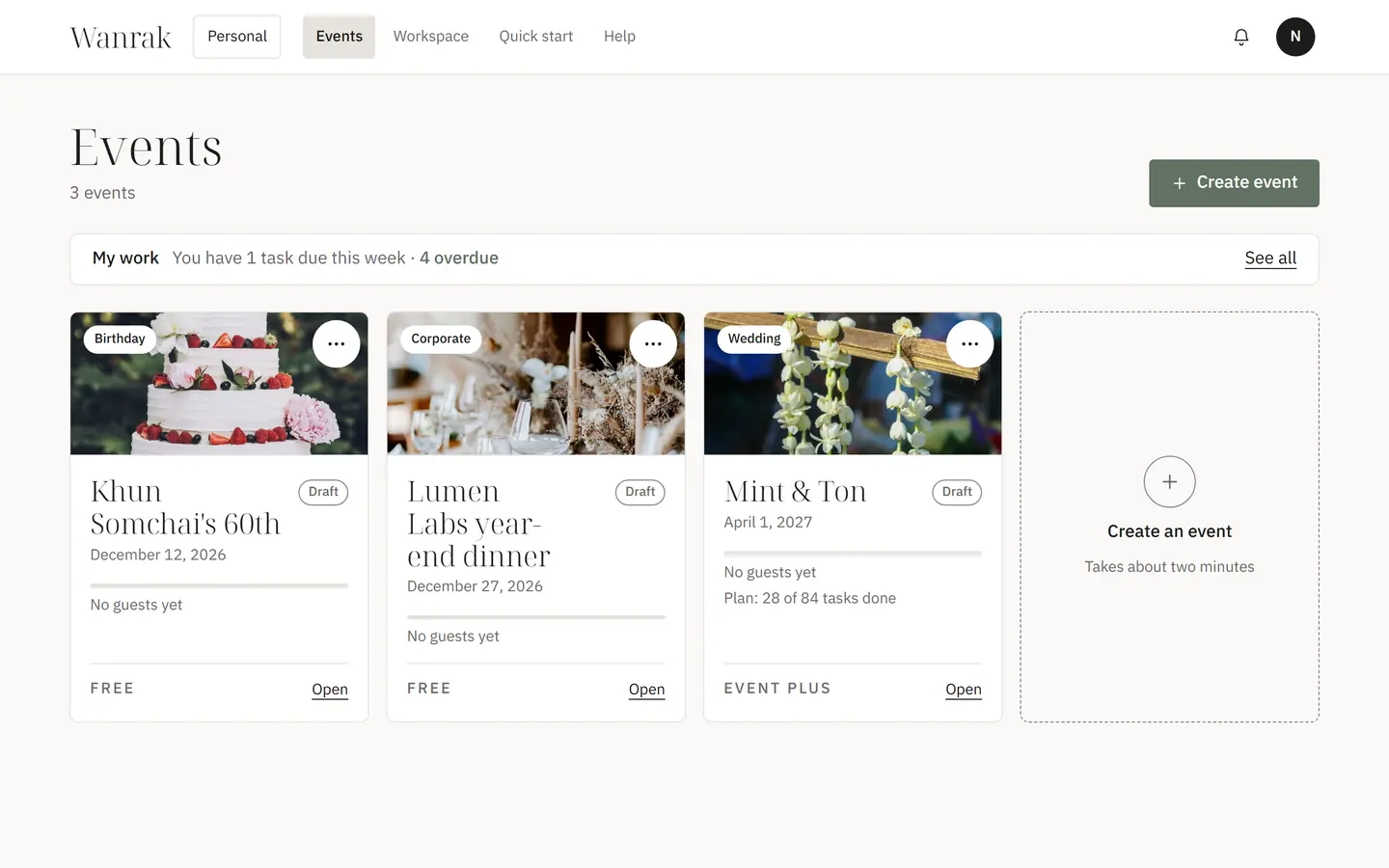
- Create an eventSet up a new event with the wizard in about two minutes.
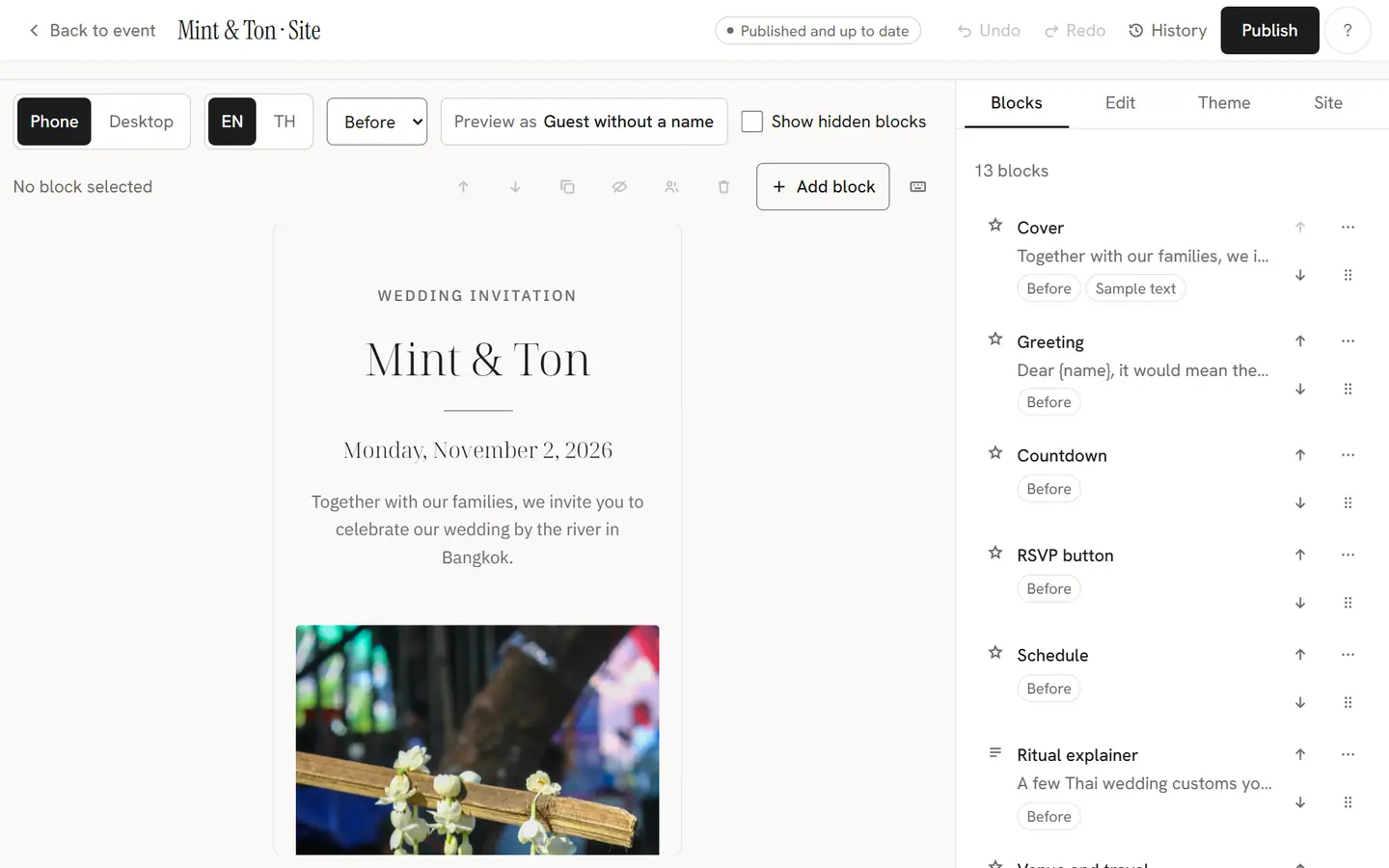
- Design your siteEdit the invitation site's blocks, text, photos and look, then publish.
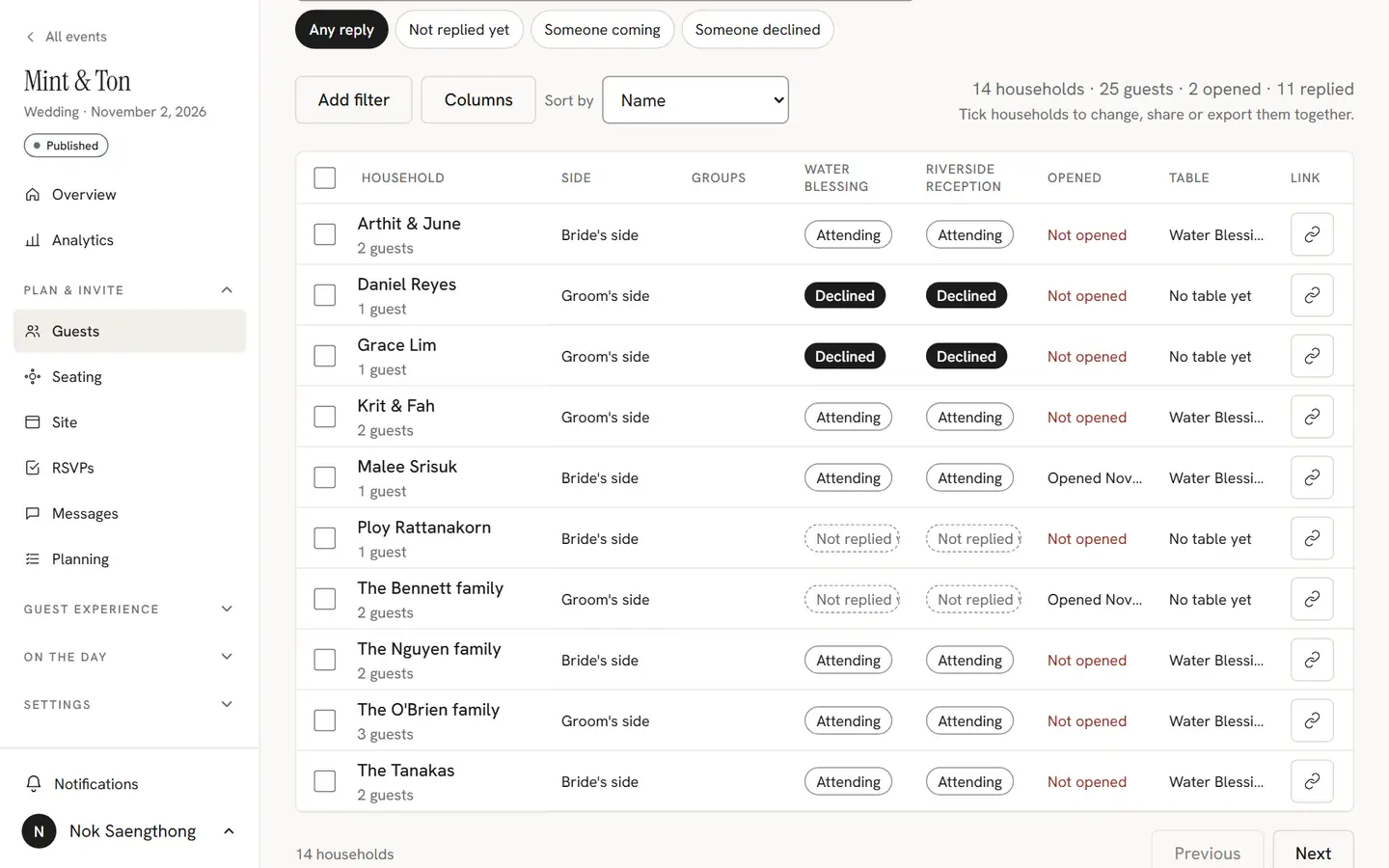
- Import guestsBring your guest list in from a spreadsheet, or add households by hand.
- Share invite linksSend each household its personal link on LINE or any chat app.
- Set up RSVPChoose who replies to what, until when, and which questions you ask.
- Photos and moderationThe guest camera, the gallery, and how you decide what guests see.
- Check-in on the dayWelcome guests at the door with QR passes, search and stations.
- SeatingSeat households at tables on the board or the floor plan.
- Wedding party (crew mode)Give your best man, maid of honor and helpers their own tools for the day.
- Planning tasksPlan the event with your team: tasks, owners and due dates in one place.
- Planning for clientsRun your clients' events from a planner workspace: forms, blueprints, approvals and your brand.
- Team and rolesInvite people to help with your event, and what each role can do.
- Email and remindersEmail households from the studio, now or at a set time, and remind those who have not replied.
- GiftsShow your PromptPay QR, see who sent a gift, and who can see the amounts.
- Games and the Venue screenTrivia, polls, predictions and bingo on guests' phones, and the screen at the venue.
- SinglesAn opt-in corner where adult guests meet other singles, with safety rules that always apply.
- Exports and photo downloadsDownload the photos, the guestbook and your lists to keep after the day.
- Guest data and privacyWhat guests agree to, what the event keeps about them, and how to handle a data request.
- Custom domainsShow your guest site at a web address you own.
- Account and two-step sign-inSign in with your email, keep your account safe, and download or delete your data.
- Questions guests askFor guests: LINE, the camera, a lost link, changing a reply and the language.