Planning
Plan the whole wedding next to the guest list
Tasks, views, updates, vendors and the budget, files, a schedule and team chat, shared with your team, the couple and their families.
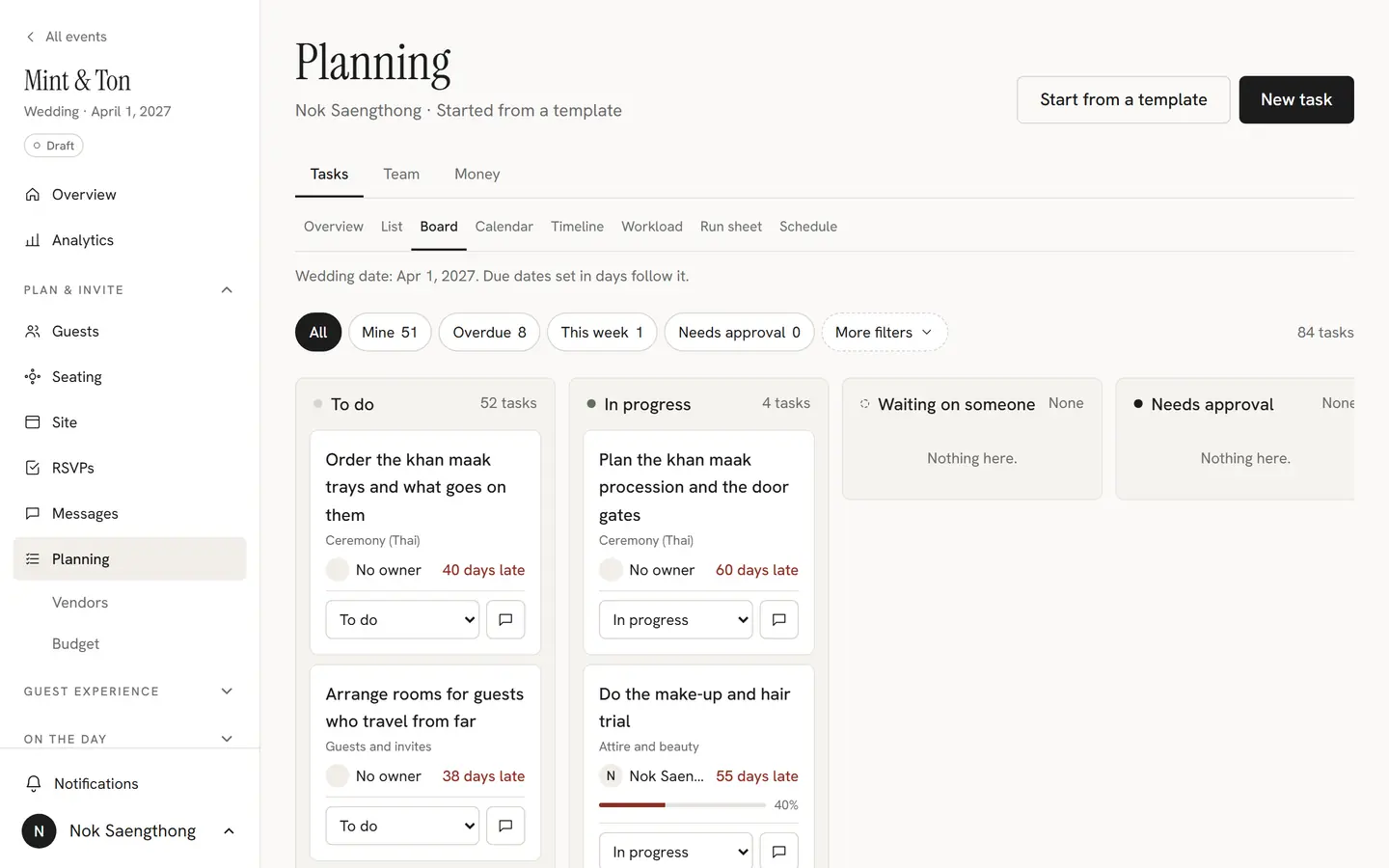
Tasks from proven templates
Start from a Thai-Western, Western or engagement task list. Due dates follow the wedding date, so moving the date moves the plan.
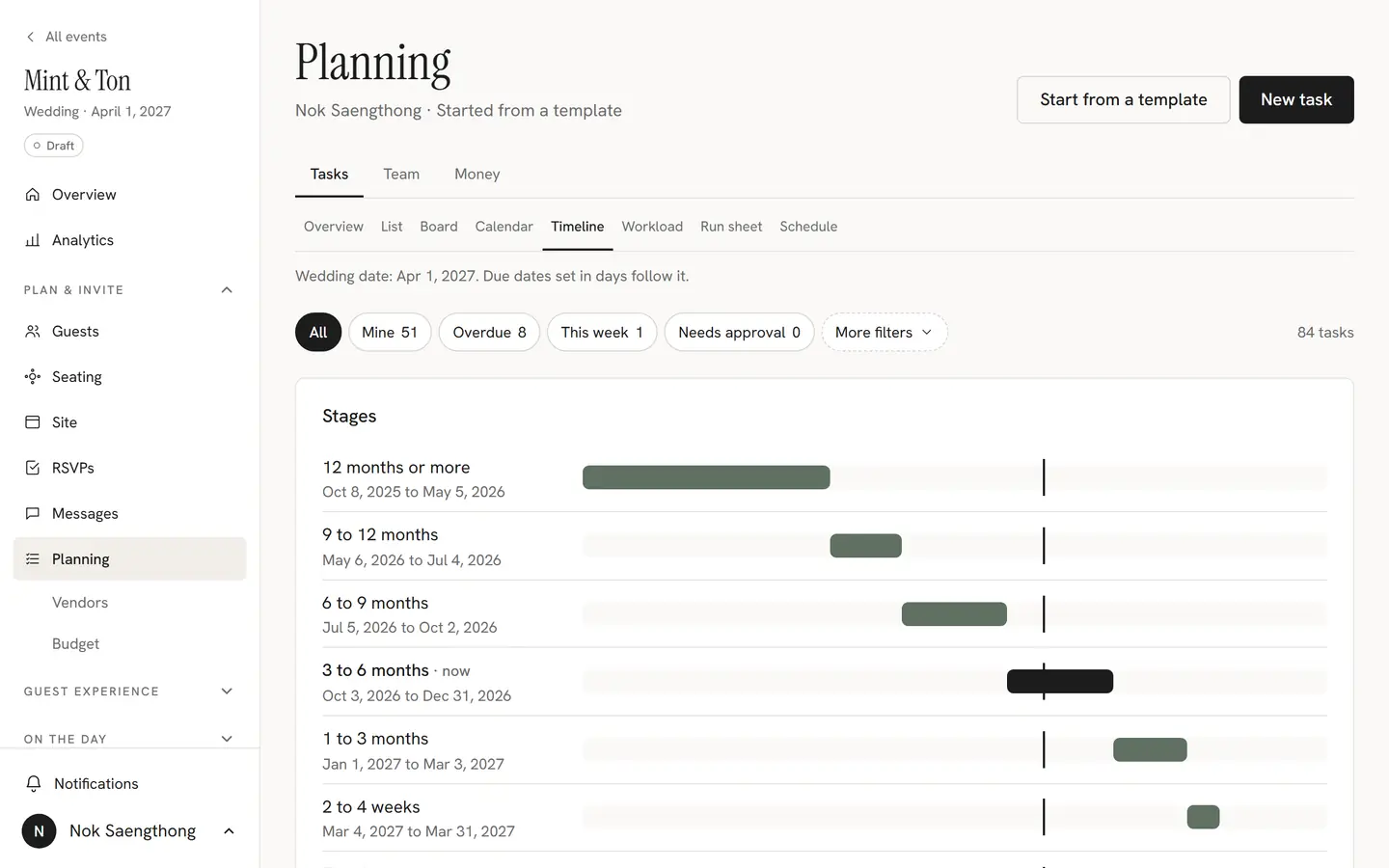
Five ways to see the work
List, board, calendar, timeline and workload views of the same tasks, so everyone sees the plan the way they like.
Schedule and calendar feeds
Fittings, tastings and meetings in one schedule that shows up in your own calendar app.
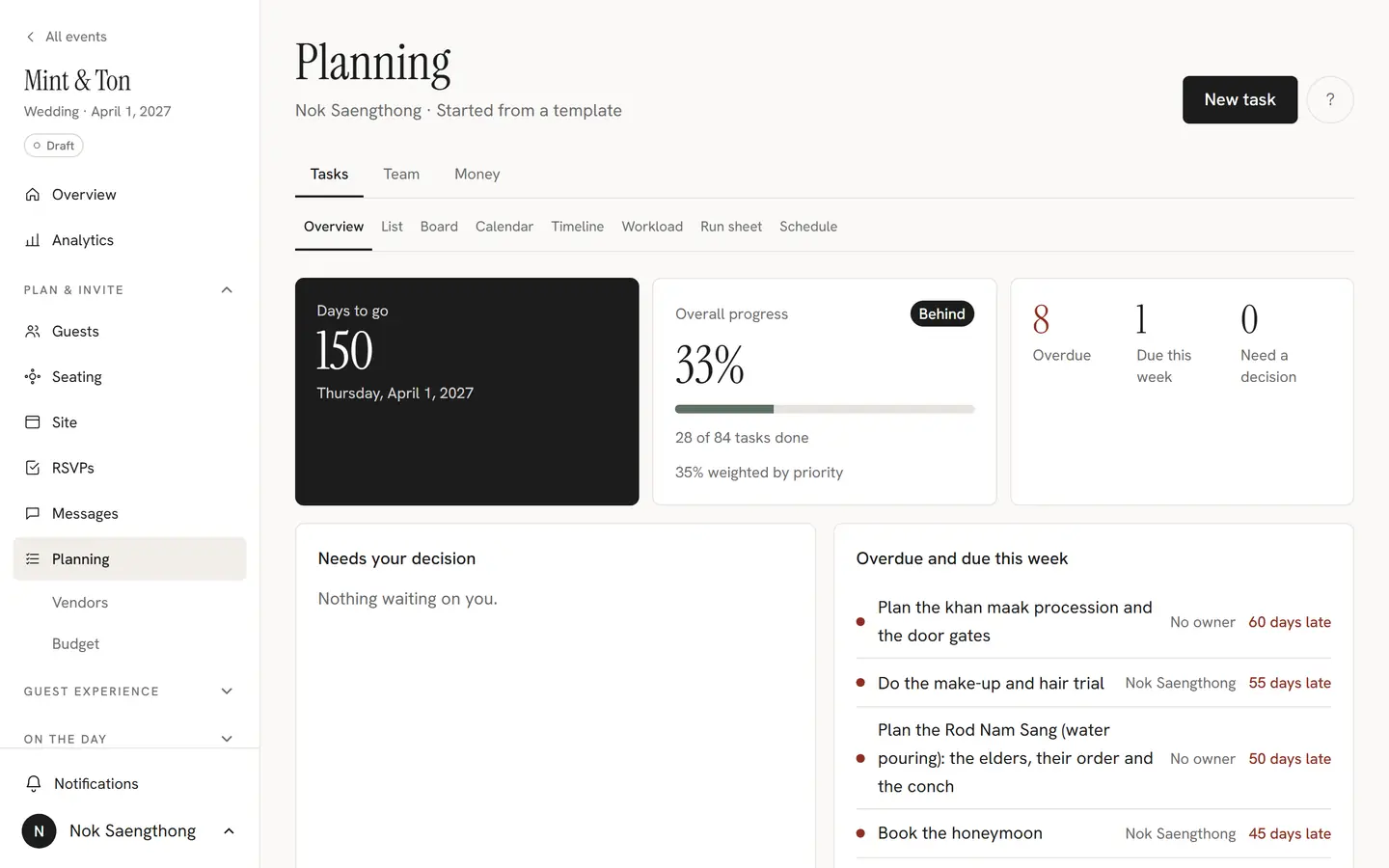
Updates and approvals
Post progress with photos, @mention the people who need to see it and ask the couple to approve.
Couple dashboard and the parents' link
The couple sees what is done and what needs them. Parents follow progress through a read-only link.
Outside helpers, no account
Give a florist or a relative a link to just their tasks, where they can post updates without signing up.

Message board and decisions
Discuss the big questions in threads and keep a clear record of what was decided.
Files with versions
Contracts, floor plans and mood boards in one library, with every version kept.
Team chat
Quick conversations with the team, next to the tasks they are about.
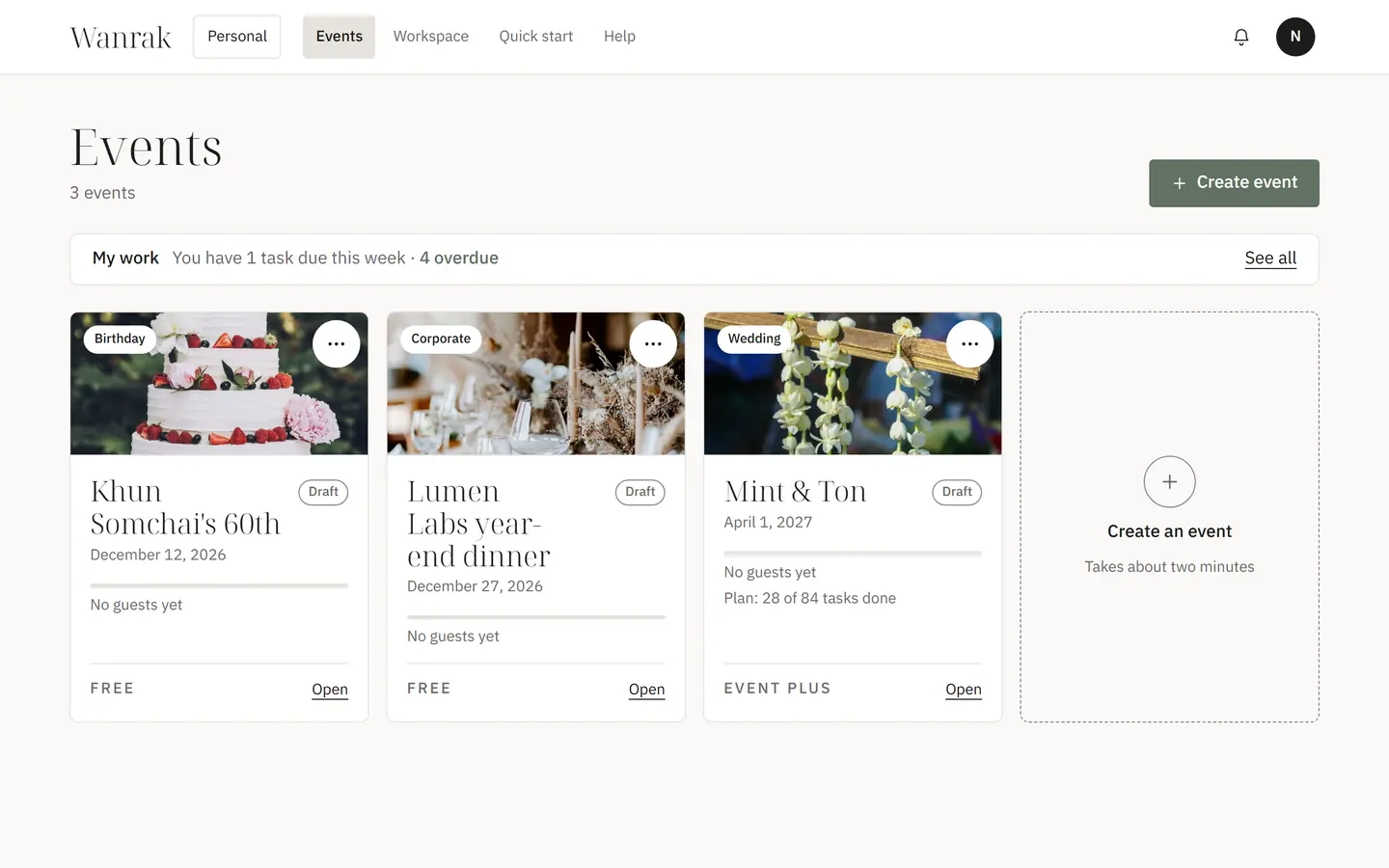
Vendors, payments and budget
Every vendor, what each one costs and what is already paid. Amounts are shown to the planning team only.
Notifications and phone push
Assignments, mentions and approvals reach you in the studio and as push notifications on your phone.
Ready when you are
Set up your event, pick a template and share your invitation. Need a hand first? We are happy to show you around.